
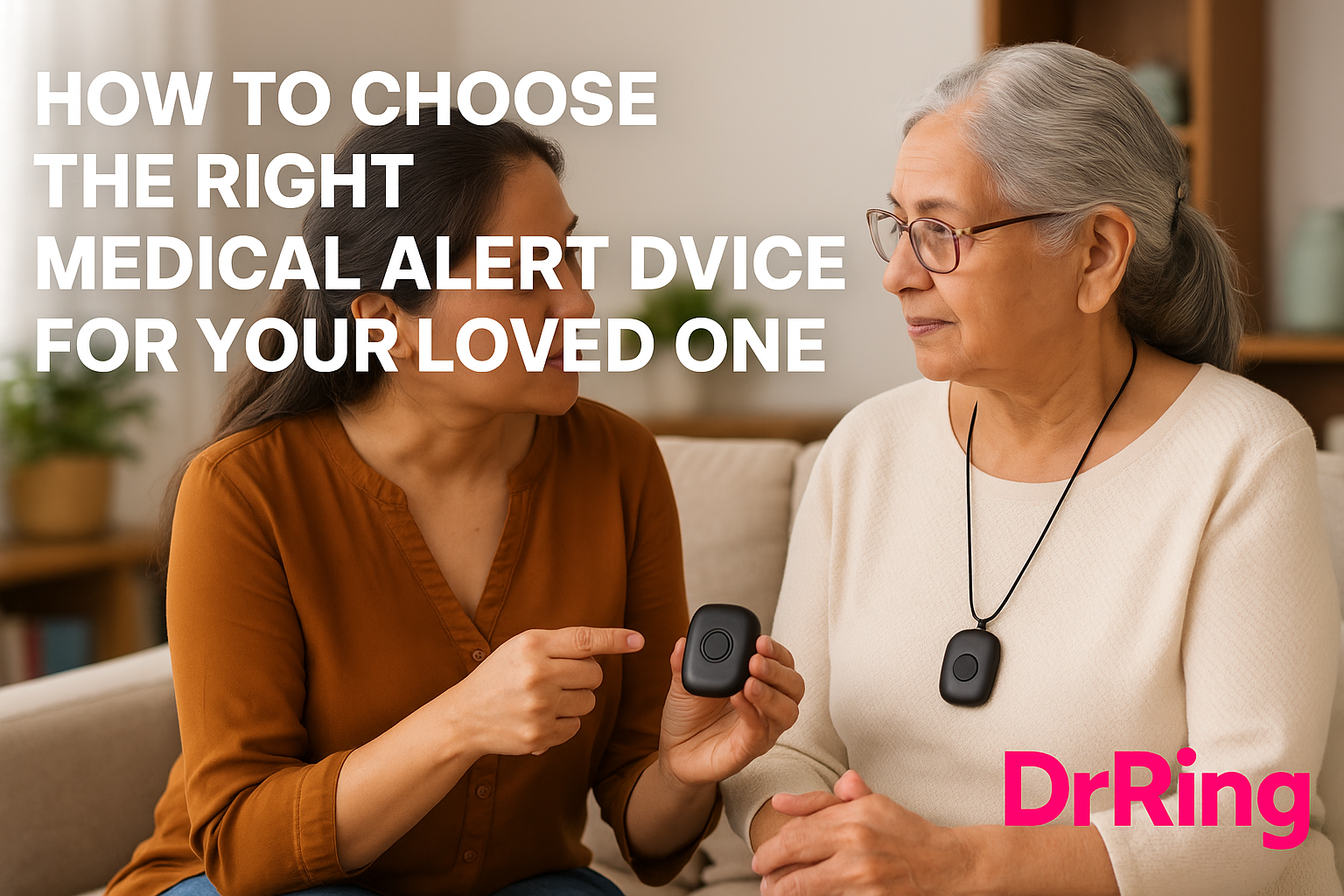
How to Choose the Right Medical Alert Device for Your Loved One
Choosing a medical alert device for a parent or grandparent is not just a purchase — it’s an emotional decision. You’re not buying a gadget. You’re choosing something that may one day save their life. And that decision carries a lot of weight.
But the good news is, once you understand what actually matters, selecting the right medical alert system becomes much easier.
Let’s break this down in a simple, practical way — the same way you would think about it for your own family.
Start With the Most Important Question:
“When would my loved one actually need this?”
Most people assume medical alert devices are for major emergencies. But in reality, they’re often used in everyday scenarios:
-
feeling dizzy or weak
-
slipping in the bathroom
-
chest discomfort
-
breathlessness
-
panic or anxiety
-
difficulty standing up
-
minor falls
-
confusion from medication
Once you understand when your loved one might need help, the features you should look for become clearer.
1. A Simple, One-Touch Emergency Button
This is non-negotiable.
The device must allow your parent to call for help with:
-
one touch
-
no screen
-
no menus
-
no unlocking
When an elder is panicking, weak, or hurt, simplicity is the lifesaver.
Many seniors hesitate to use smartphones in emergencies because:
-
touchscreens feel confusing
-
their hands might shake
-
glasses may not be nearby
-
the phone may not be within reach
A single physical button solves all of this.
2. Fall Detection — Especially Important in India
Falls are the number one cause of hospitalization in seniors.
You should look for:
✔ automatic fall detection
✔ manual SOS button
✔ no false alarms
Indian homes often have:
-
wet bathroom floors
-
uneven surfaces
-
steps
-
loose rugs
-
slippery tiles
A fall detection device becomes a quiet guardian in these spaces.
3. Battery Life That Matches Elderly Habits
Many devices require daily or weekly charging.
That doesn’t work for most seniors.
If the battery dies, the protection disappears.
Look for devices that offer:
✔ More than 30 days of battery life
✔ low-battery alerts
✔ easy charging
DrRing, for example, is designed to last nearly a month because that’s how elders naturally use wearables — they don’t want to keep charging things.
4. Location Tracking — Indoors and Outdoors
If your parent goes for walks, temple visits, or lives alone, GPS tracking becomes extremely helpful during emergencies.
Choose a device that can:
-
send the user’s live location
-
work both indoors & outdoors
-
notify multiple family members
For active seniors, this is one of the most valuable features.
5. Alerts on WhatsApp or Phone — Not an App They Will Never Open
Most elder-care devices require families to install a dedicated mobile app.
The truth is — apps are often ignored.
But WhatsApp?
Everyone checks it.
Choose a system that sends alerts through:
✔ SMS
✔ Phone calls
This ensures families actually receive the emergency message instantly.
6. Comfort and Design Matter More Than You Think
If a device is bulky or ugly, elders simply will not wear it.
Look for:
-
lightweight design
-
soft strap or pendant
-
no sharp edges
-
unobtrusive style
The best device is the one they are willing to wear daily.
7. Elder-Friendly Setup
Many seniors are intimidated by technology.
If a device needs pairing, updates, Wi-Fi configuration, or app installations — they may never use it properly.
Choose a system that works:
-
straight out of the box
-
with minimal setup
-
without depending on Wi-Fi
-
without requiring frequent updates
This is where Indian-made solutions designed for Indian elders shine.
8. Real Emergency Support — Not Just Tech
A device that alerts family is good.
A device that alerts a 24/7 support team is even better.
Sometimes elders panic and forget what to do. A human voice on the other end can calm them and coordinate help.
Ask the provider:
-
Who gets the alert?
-
Is there a real human call center?
-
Do they follow a response protocol?
-
Can they call an ambulance if needed?
This is the difference between a gadget and a life-saving service.
9. Transparent Pricing Without Traps
Be cautious of devices that:
-
require long-term lock-in
-
have hidden subscription fees
-
charge extra for basic features
A good provider will be clear about:
-
device cost
-
subscription (if any)
-
service fees
-
warranty
-
replacement policy
Clarity builds trust.
Why DrRing Is a Strong Fit for Indian Families
DrRing was built after talking to hundreds of seniors and caregivers.
That’s why it includes:
⭐ One-touch SOS button
⭐ Fall detection
⭐ WhatsApp alerts
⭐ Location
⭐ Long battery life
⭐ Simple, elder-friendly design
It’s the bridge between independence and safety — without overwhelming elders or families.
Final Thought: Choose What Your Parent Will Actually Use
You can buy the most advanced device in the world.
But if your parent doesn’t wear it daily, it has zero value.
So choose:
-
comfort over complexity
-
clarity over features
-
simplicity over sophistication
The right device is the one that fits naturally into their life — not the one with the longest spec sheet.
Resources
-
WHO Home Safety Guidelines for Seniors
-
Indian Geriatric Society – Fall Prevention Recommendations
-
Journal of Assistive Technology – Wearable Safety Devices
#MedicalAlertDevices #SeniorSafety #ElderCareIndia #EmergencyButton #DrRing #FallDetection #CareForParents
Leave a ReplyCancel reply